
Practice modes
Teen Patti Master app: read mode labels before playing
Many users search this phrase when they want a familiar three-card lobby. The safer path is to verify mode labels and practice scope first.
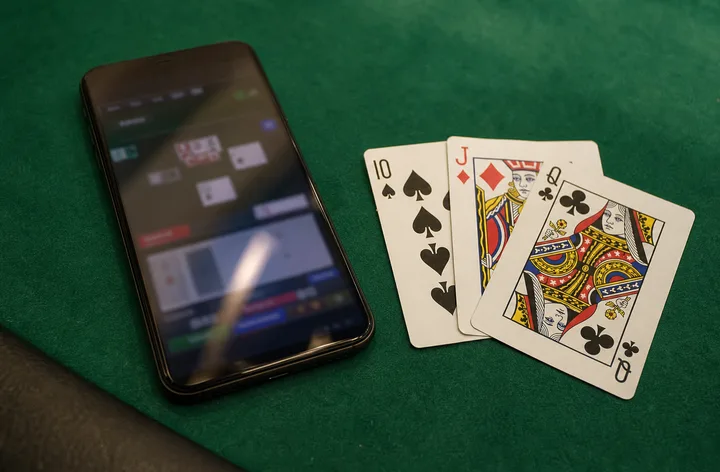
Direct answer: Treat any Teen Patti Master app result as a source and mode-label check: confirm adult practice use, virtual chips, standard hand ranking and no forced deposit flow before playing.
Mode labels to confirm
- Practice, friend table, private table or virtual-chip mode.
- Blind and seen actions with clear boot and chaal labels.
- Standard hand order from Trail down to High Card.
- Support path and app version screen.
Red flags
Be careful with pages that use a famous app-style phrase but hide package details, push deposits first, claim guaranteed rewards or ask for OTP outside the app.
Learning route
Use the app only after you can read three-card outcomes. Practice with Trail, Pure Sequence and Pair examples so the lobby does not become a guessing game.
Before changing tables
Play one slow practice table long enough to understand how the app records blind turns, seen turns, pack, show and side-show prompts. Switching tables too quickly hides whether a problem came from the mode, the device or the player's own misunderstanding.
If the lobby changes wording after login, take a screenshot before tapping any wallet or bonus prompt. A stable practice app should let you learn the three-card ladder without pushing you into unclear account actions.